See what your hotel really earns.
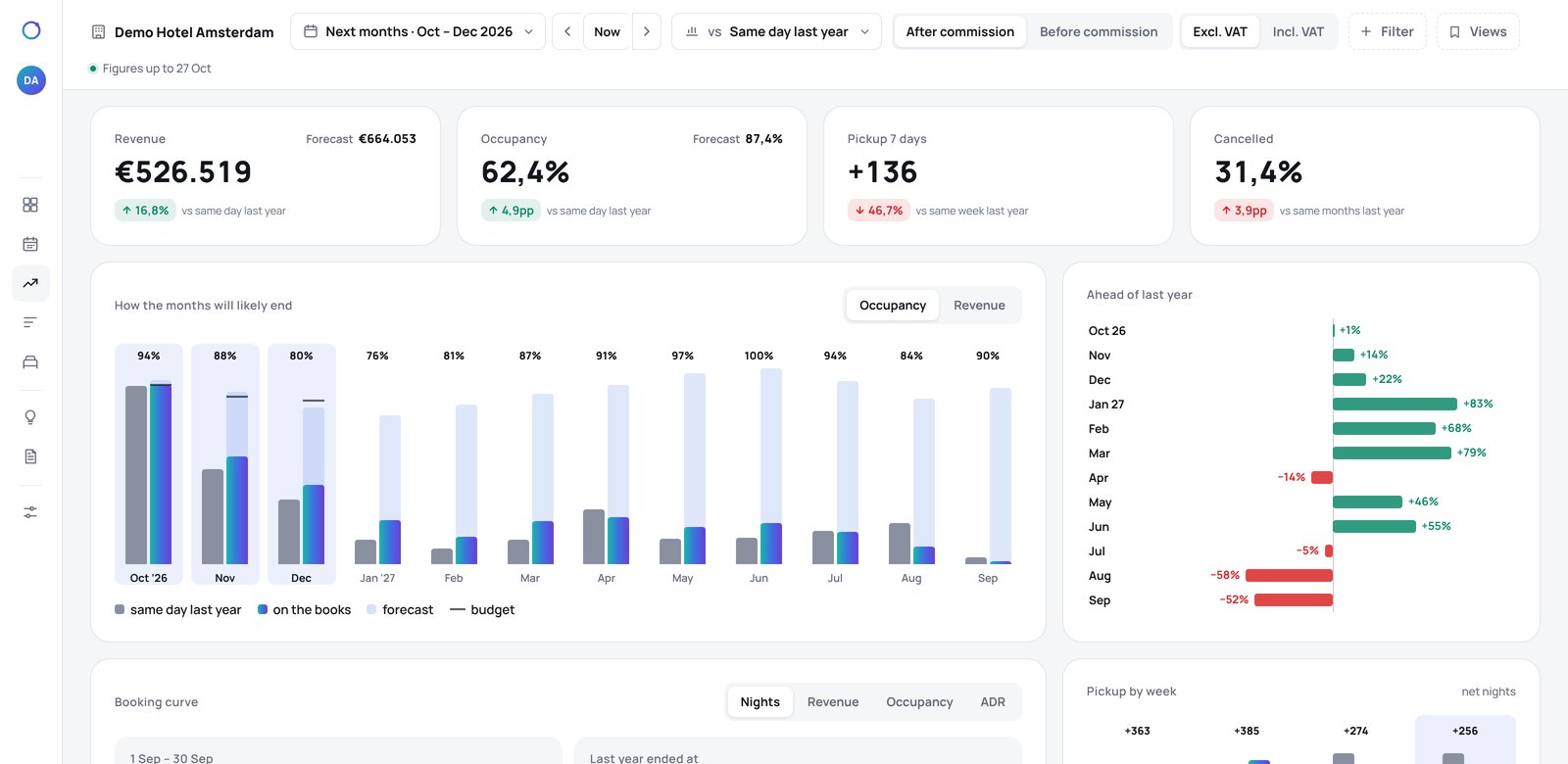
RevView turns your booking system into one clear dashboard and a weekly report that says what changed and why. Net of commission, in plain language, with advice on what to do next.


Revenue is not what you keep.
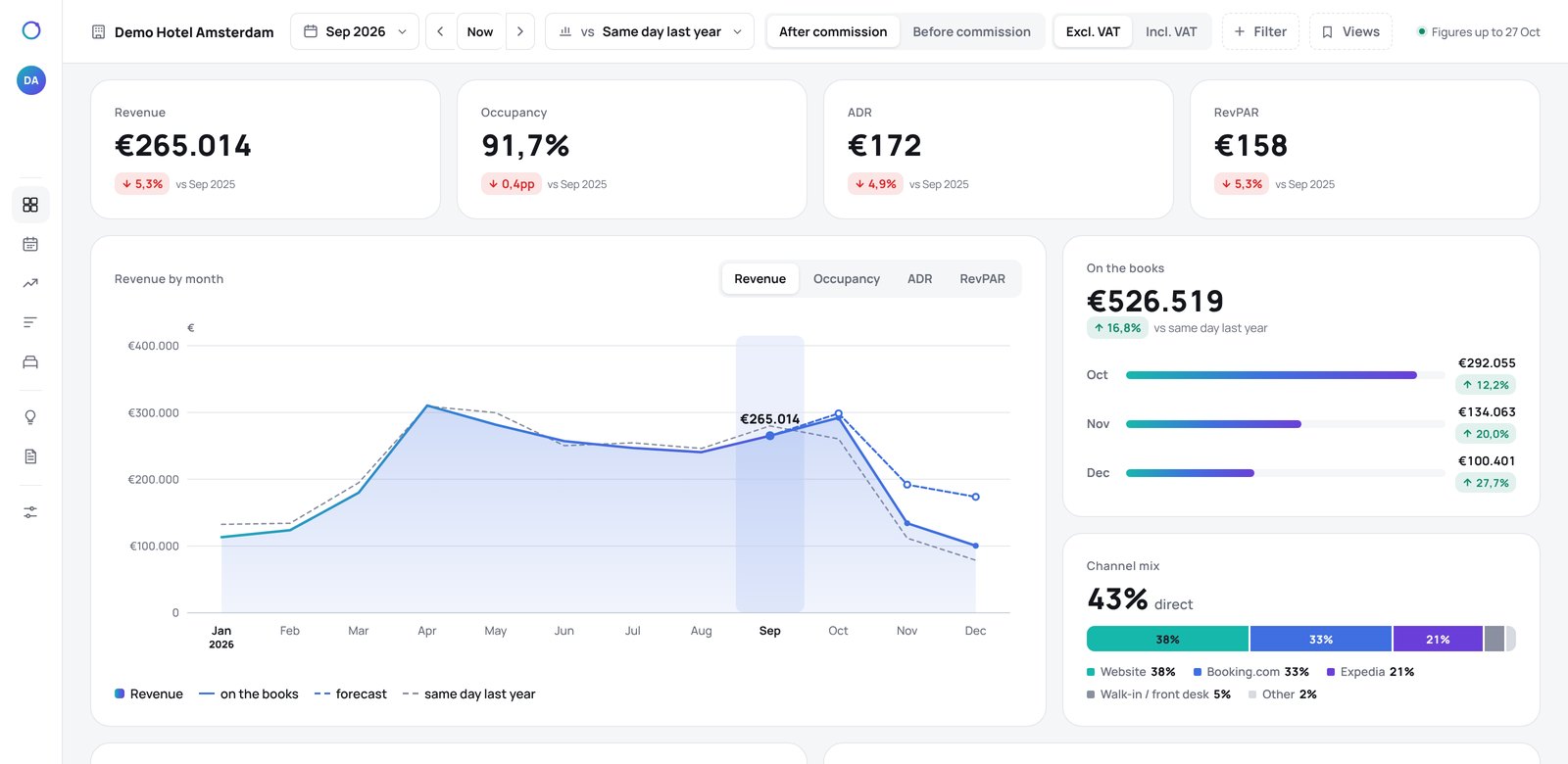
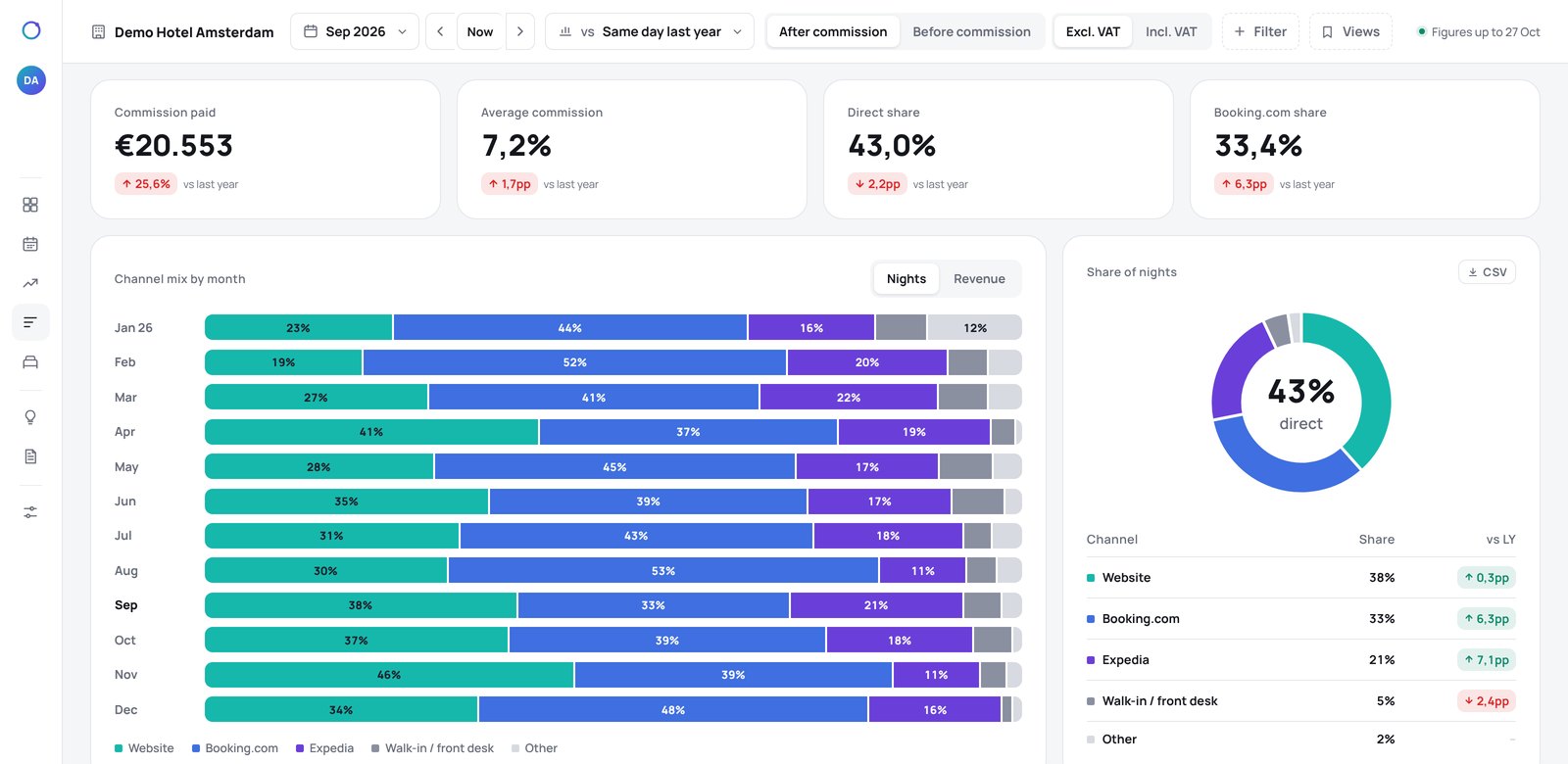
Your booking system shows revenue with VAT. Your accountant wants it without. What you keep is what is left after Booking.com and Expedia take their share. RevView shows all three, on every page, with one switch.
Not just figures. What changed, and why.
Every Monday you get a short report: the figures that moved, how much, and the reason. Written for hoteliers, not analysts. If something needs attention, it says so before you ask.
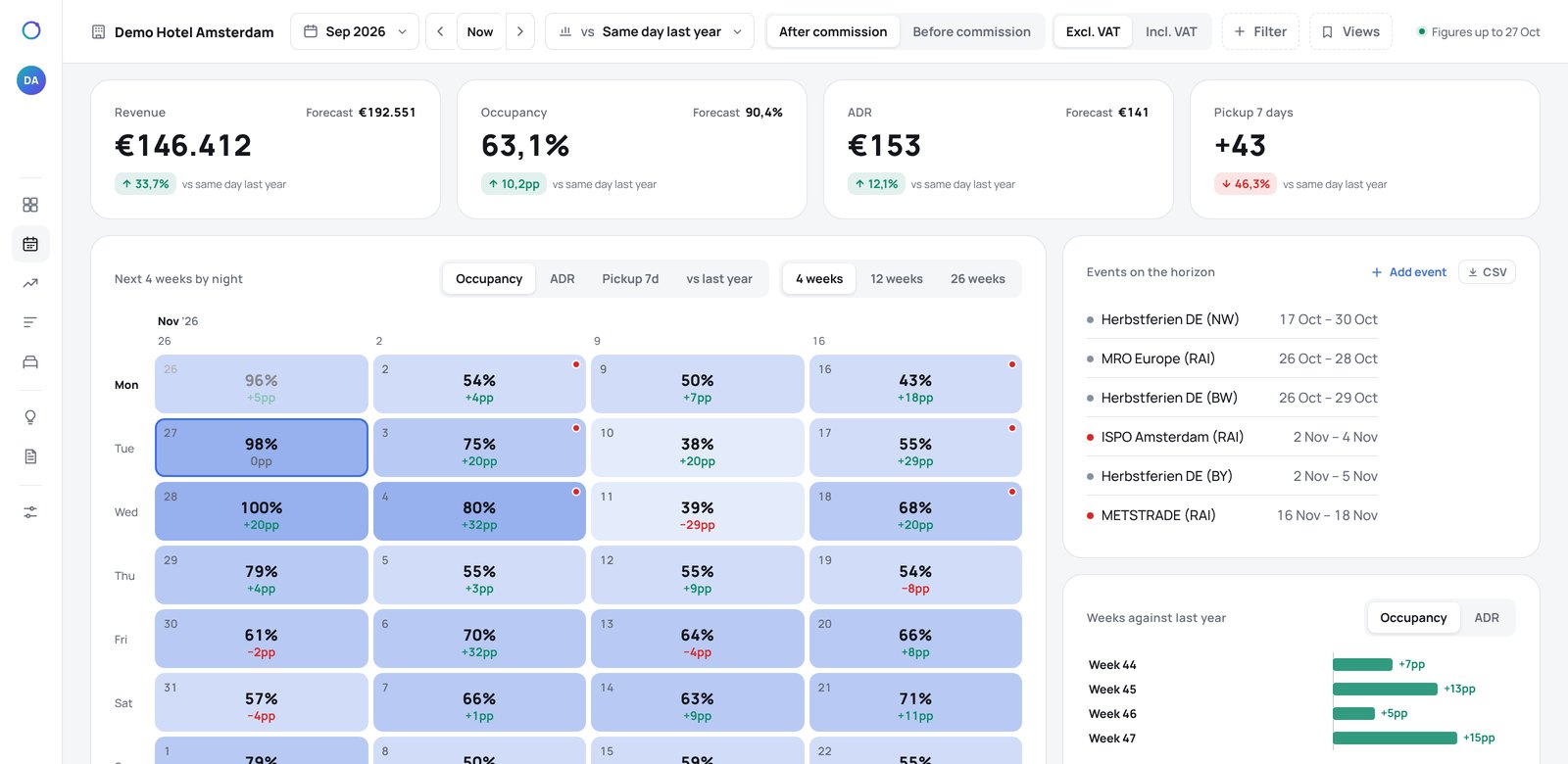
More about the reports →- November is 4pp behind last year on the books, all of it in the weekends; weekdays are level.
- Cancellations rose from 5% to 9% of new bookings; 7 of the 11 came through Booking.com.
- Advice: hold weekend rates until Friday’s pickup, then review the 15th and 16th.
A weak night is not always a price problem.
Price tools work on one thing: the rate. RevView checks the six reasons a night stays empty, so you change the thing that is actually wrong.
How the advice works →Nothing to replace, nothing to migrate.
RevView reads from the systems you already use. Your booking system stays, your price tool stays, and your team keeps working the way it does.
Nothing to replace
RevView sits on top of what you run today.
- Your booking system: Mews, VIPS, RoomRaccoon, Stayntouch or Twik
- Your price tool, such as RoomPriceGenie or RevControl
- Your budget, the way your accountant has it
- A data migration
- RevView changing your prices
Your data
What RevView may do, and what it never does.
- Access
- Read-only, per hotel
- Logins
- Per person, only their own hotels
- Sign-in
- Code from an authenticator app
- Guest data
- No names, e-mail or payment details
- Your prices
- Never changed
All your hotels side by side.
One page with every hotel in the group: the same figures, the best value per line, and the group total. Give each manager their own login for their own hotel.
More for hotel groups →| Hotel A | Hotel B | Hotel C | Group | |
|---|---|---|---|---|
| Occupancy | 86.4% | 81.2% | 88.9% | 84.7% |
| ADR | €152 | €139 | €171 | €151 |
| RevPAR | €131 | €113 | €152 | €128 |
| Rooms | 45 | 60 | 32 | 137 |
Your digital revenue manager.
Pro doesn’t wait until you log in. Every morning it tells you what changed and what to do, with the figures behind each advice. You decide: follow it, adjust it or ignore it.
- Advice with the reason and the figures, so you can explain it to your owner and team
- Market demand and competitor rates from your own Lighthouse subscription
- Never changes your prices, so it works next to RoomPriceGenie or RevControl
Live one or two working days after you sign.
- Step 1Choose your plan and signPick Insight or Plus, sign the order online and pay the first month. No setup fee. See the versions.
- Step 2We connect and set upWe link Mews, VIPS, RoomRaccoon, Stayntouch or Twik, load your history and fill in budget, commissions, room types and segments.
- Step 3Your first report on MondayThe dashboard is live as soon as the link runs. The weekly report follows on the first Monday.
Good to know
Which booking systems does RevView work with?
Mews, VIPS CloudPMS, RoomRaccoon, Stayntouch and Twik. Using something else? Ask us.
Does RevView change my prices?
No. RevView reads your figures and advises, and you decide. It works next to a pricing tool such as RoomPriceGenie or RevControl.
Do I need a revenue manager to use it?
No. It is written for owners and general managers. Pro, coming soon, will do much of the daily work of a revenue manager; want a person too? Hospitality Skills offers coaching and full service on top of your plan.
What does it cost, and can I stop?
From €79 per hotel per month, excl. VAT, no setup fee. Month by month, cancel with one month's notice. See all versions.